
Overlay PDF Files
Overlay multiple PDF files into a single document. Files are layered in the order you select.


Merge PDF
Combine multiple PDFs into one

Split PDF
Split a PDF into separate files
Compress PDF
Reduce PDF file size
Edit PDF
Add text, signatures, shapes
Convert PDF
To Word, Excel, JPG and more

Sign PDF
Add your signature anywhere

Rotate PDF
Rotate pages in any direction

Delete Pages
Remove pages from PDF

Extract Pages
Pull specific pages out

Organize PDF
Reorder pages by drag

Compare PDF
Side-by-side diff

Overlay PDF
Stack one PDF onto another

Optimize PDF
Clean up unused data

Number Pages
Add page numbers

OCR PDF
Make scanned text searchable

Protect PDF
Add a password

Remove Password
Strip password protection

Watermark PDF
Add text or image watermark

Redact PDF
Black out sensitive info

Comment PDF
Add sticky notes & highlights

PDF Forms
Fill and flatten forms

Extract Images
Pull all images out

PDF → Word
Editable .docx export

PDF → Excel
Tables as .xlsx

PDF → JPG
Each page as a JPG

PDF → PNG
Each page as a PNG

PDF → WebP
Each page as a WebP

Images → PDF
Pack images into a PDF

Word → PDF
Convert .docx to PDF

Excel → PDF
Convert .xlsx to PDF

PowerPoint → PDF
Convert .pptx to PDF

JPG → PDF
Turn JPG images into a PDF

PNG → PDF
Turn PNG images into a PDF

HTML → PDF
Capture a webpage

Website → PDF
Capture a webpage
What Overlay PDF Means
Overlaying stacks the drawable content of two or more PDF files onto the same pages instead of placing them one after another. The tool takes the first file as the base PDF, then draws the page content of each additional file on top of it, page one over page one, page two over page two, and so on.
Because the content is copied as page objects rather than flattened screenshots, vector shapes, embedded fonts and text stay intact in the result. Blank or white areas in an upper layer will cover what sits beneath them, since a PDF page has no transparency unless the source file was created with it.
How To Overlay PDF Files Step By Step
- Open the tool page and drop your files into the dropzone. Add the base document first, then the template, letterhead or background you want layered on it.
- Check the order in the file list. The first file sits at the bottom of the stack, and each following file is drawn above it.
- Click the overlay button. The compositing runs in your browser, so nothing is sent to a server and no account is needed.
- Download the finished PDF and open it to confirm that headers, logos and body text line up the way you expect.
If a layer lands in the wrong place, the usual cause is a page size mismatch rather than a fault in the stacking itself. Rebuild the template at the same dimensions as the base file and run it again.
When Layering PDFs Is The Right Move
Stacking pages solves problems that appending pages cannot, because the goal is a single page carrying content from two sources. Common cases include:
| Operation | Pages in the result | What happens to the content | Typical use |
|---|---|---|---|
| Overlay | Matches the longest input file | Content from every file is drawn onto the same page, in upload order | Letterheads, form templates, background art |
| Merge | Sum of all input pages | Pages are appended in sequence and left untouched | Combine PDF chapters, invoices or scanned batches |
| Watermark | Unchanged | A text string or image is painted over each page at a set position and opacity | Draft labels, copyright notices, confidentiality marks |
| Organize | Unchanged or fewer | Existing pages are reordered, rotated or removed | Fixing page sequence before layering |
Output Quality And Compatibility Notes
The result is one PDF that any standard reader can open. Since the layered content keeps its original text objects, search and copy still work on both the base document and the template that was placed over it.
Two limits are worth knowing before you overlay PDF documents in bulk. First, when files have different page counts, only the pages that exist in both are composited, and remaining pages carry the content they already had. Second, file size grows roughly with the amount of content added, because fonts and images from each source are carried into the output. Running the finished file through a size reduction pass trims that back if you plan to email it.
FAQ
It reads every uploaded document, treats the first one as the base, and copies the page content of the others onto matching pages of that base. The text, vectors and images from each source are embedded as page objects, so nothing is rasterised. The output is a single PDF where all layers share the same pages.
Upload order decides the stacking order. The first file forms the bottom layer and each later file is drawn above the previous one. If your letterhead has a solid white background, put it first so it sits behind the text. If it is a transparent logo or frame, add it last so it appears over the content.
Compositing happens page by page, so page three of one file lands on page three of the base. Where a shorter file runs out of pages, the remaining base pages keep their original content and receive no extra layer. For a one page template that should repeat everywhere, duplicate it to match the base length first.
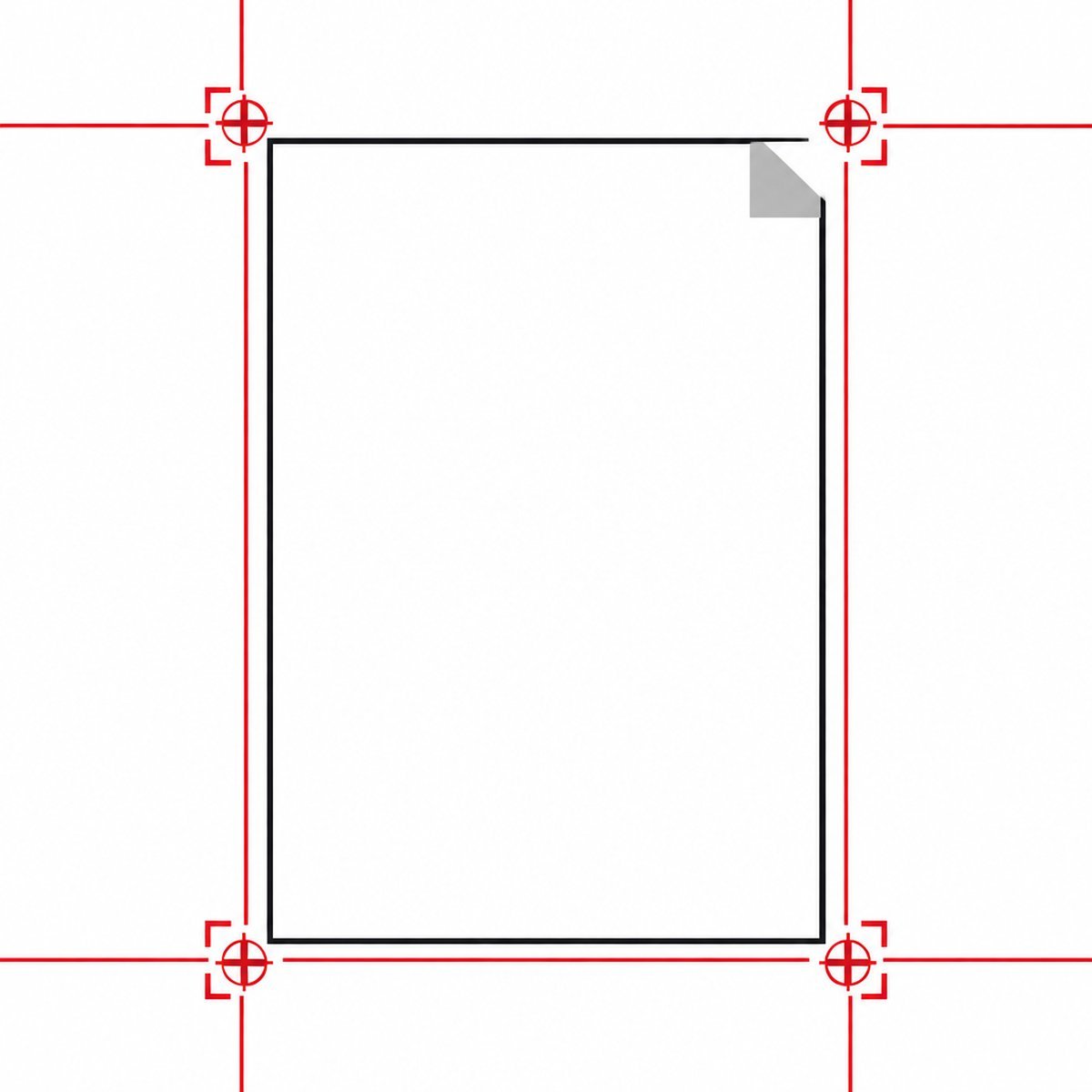
Page content is positioned from the page origin, so an A4 layer placed on a US Letter base will not align at the top edge and may extend past the trim. Export both documents at identical page dimensions and orientation. Mixed portrait and landscape pages in one file cause the same effect on the pages that differ.
Merging copies whole pages into a new document one after another, so a five page and a three page file produce eight pages and no content is redrawn. Overlaying copies the content stream of each page into an existing page, so the same two files produce five pages with shared content. Use merge to combine PDF documents in sequence and overlay when both sources must appear together.
A watermark generates new text or an image and paints it onto every page at a chosen angle, position and opacity, which suits short repeated marks. Layering uses a full PDF page you designed elsewhere, so it carries exact fonts, colours and print geometry. Pick the watermark tool for labels and this one for real templates.
No. The files are read and composited by your own browser, and the finished document is written to a local download. Nothing leaves the device, which is why the work continues even on a slow connection and why contracts or patient records can be layered without a transfer step.
Yes, but remember that a scan is a full page image with an opaque background. Placed on top, it hides everything under it. Put the scan first so it becomes the base and add the transparent template above it. To make the scanned text searchable afterwards, run the file through text recognition .
Yes. Because pages are composited as objects rather than converted to pictures, character data and font references survive from both sources. You can still search, copy and highlight text that came from either layer. The reading order can look mixed to a screen reader, since the layers were never written as one continuous flow.
There is no fixed cap, but every layer is held in memory while the document is built, so the practical limit depends on your device and on how heavy the pages are. Two or three normal files are handled without trouble. Very large scans in long documents are the usual reason processing slows down.
No. Once the content streams are drawn together the pages are a single composition, and there is no switch to hide one source. Keep the original documents so you can redo the stack with a different template. Nothing about the process changes the files you uploaded, since the output is written as a new document.