

All-in-One PDF Forms Library
Search and fill official forms online. Open any form directly in the editor, complete it, and download instantly.
All Forms
DOL Form CA 12
DOL Form CA 5B
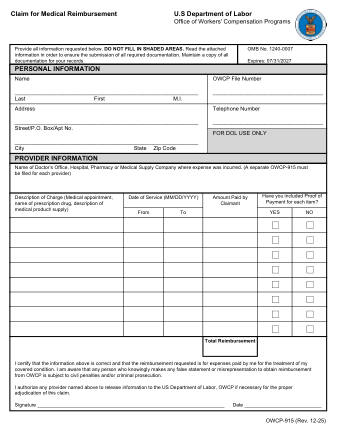
DOL Form OWCP 915
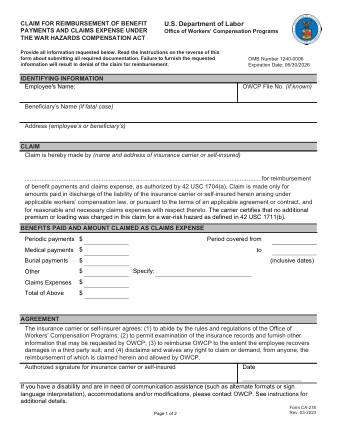
DOL Form CA 278
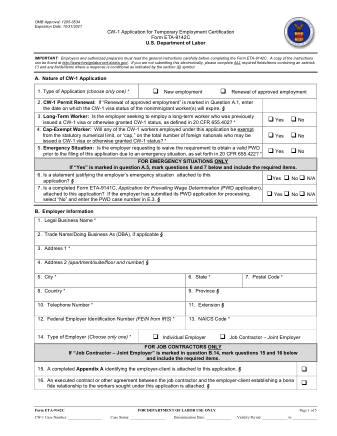
DOL Form 9142C
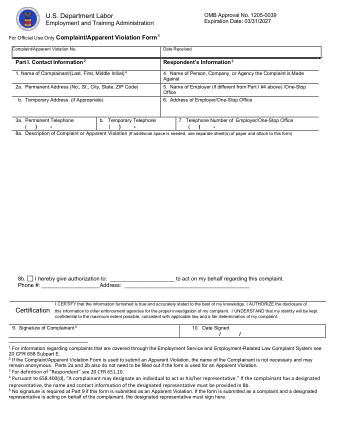
DOL Form ETA 8429 COMPLAINT AV EXP3.31.27
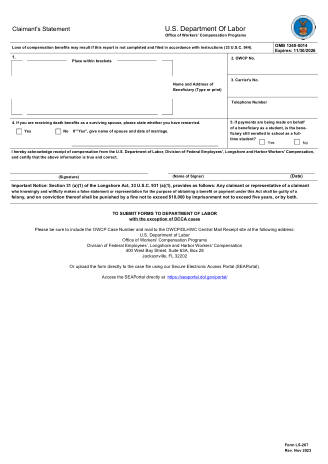
DOL Form LS 267
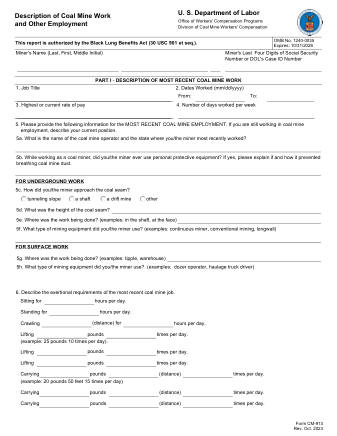
DOL Form CM 913
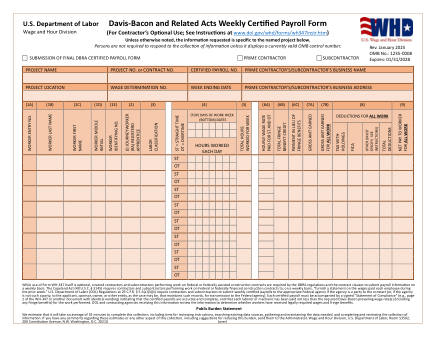
DOL Form WH347
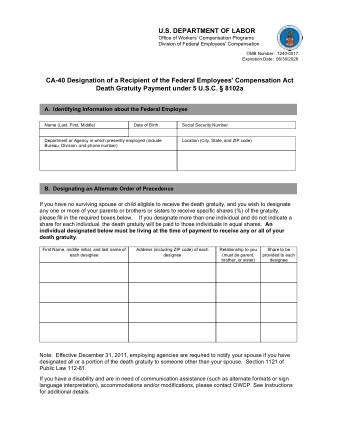
DOL Form CA 40
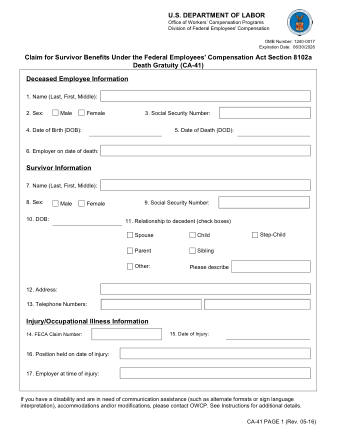
DOL Form CA 41
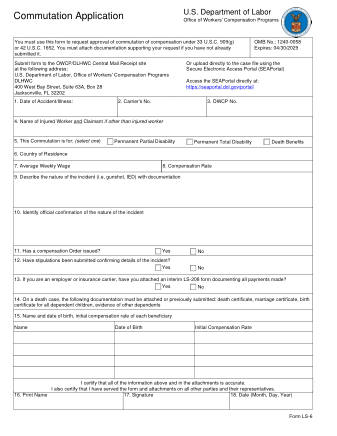
DOL Form LS 6
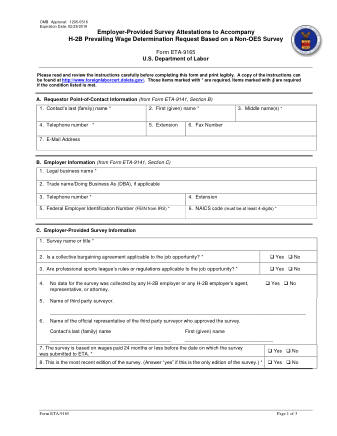
DOL Form FORM ETA 9165 REV DOL APPROPRIATIONS ACT
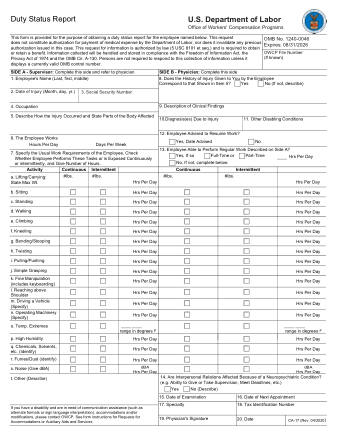
DOL Form CA 17
DOL Form ET 385 WAGE FINDING PROCESS
DOL Form EE 1
DOL Form LS 203
DOL Form LS 202
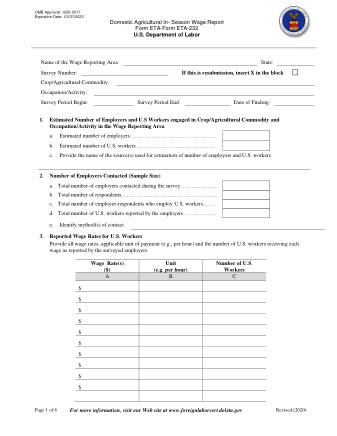
DOL Form ETA 232
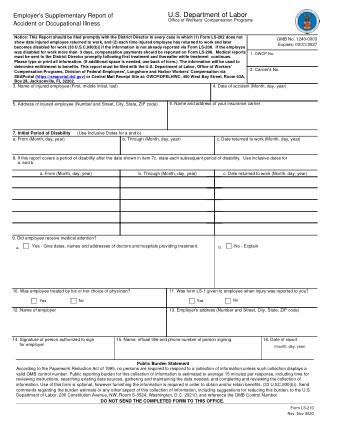
DOL Form LS 210
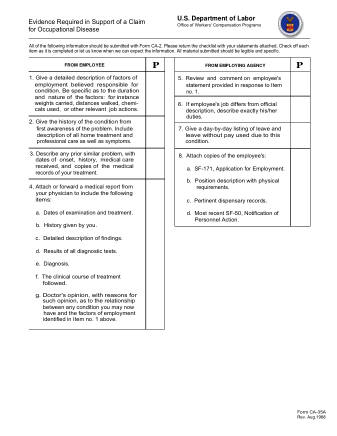
DOL Form CA 35
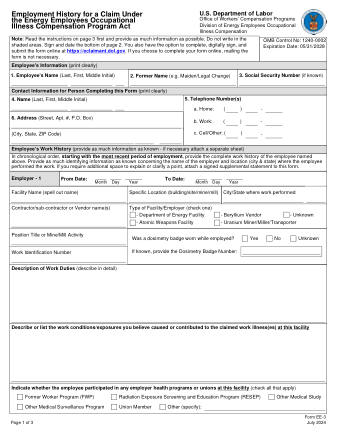
DOL Form EE 3
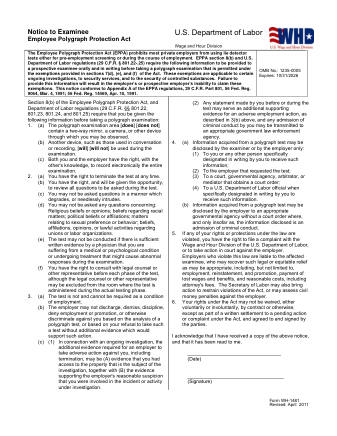
DOL Form WH1481
Most popular


Edit PDF
Add text, signatures, shapes
Compress PDF
Reduce PDF file size
Convert PDF
To Word, Excel, JPG and more
Merge PDF
Combine multiple PDFs into one
Merge PDF
Combine multiple PDFs into one

Split PDF
Split a PDF into separate files
Compress PDF
Reduce PDF file size
Edit PDF
Add text, signatures, shapes
Convert PDF
To Word, Excel, JPG and more

Sign PDF
Add your signature anywhere

Rotate PDF
Rotate pages in any direction

Delete Pages
Remove pages from PDF

Extract Pages
Pull specific pages out

Organize PDF
Reorder pages by drag

Compare PDF
Side-by-side diff

Overlay PDF
Stack one PDF onto another

Optimize PDF
Clean up unused data

Number Pages
Add page numbers

OCR PDF
Make scanned text searchable

Protect PDF
Add a password

Remove Password
Strip password protection

Watermark PDF
Add text or image watermark

Redact PDF
Black out sensitive info

Comment PDF
Add sticky notes & highlights

PDF Forms
Fill and flatten forms

Extract Images
Pull all images out

PDF → Word
Editable .docx export

PDF → Excel
Tables as .xlsx

PDF → JPG
Each page as a JPG

PDF → PNG
Each page as a PNG

PDF → WebP
Each page as a WebP

Images → PDF
Pack images into a PDF

Word → PDF
Convert .docx to PDF

Excel → PDF
Convert .xlsx to PDF

PowerPoint → PDF
Convert .pptx to PDF

JPG → PDF
Turn JPG images into a PDF

PNG → PDF
Turn PNG images into a PDF

HTML → PDF
Capture a webpage

Website → PDF
Capture a webpage
No tools match your search. Try a different word.
Find and Fill PDF Forms Online
PDF Forms on loopdf is a searchable directory of official government documents pulled directly from agency websites like the IRS, USCIS, SSA, and the State Department. Each entry links to the current version of the file hosted on its issuing agency. When you open one, the file is fetched through our server and rendered in a browser-based viewer where you can type into the fields.
Instead of hunting through a government site, guessing at the right revision, and downloading a blank file, you browse a curated catalog, preview the first page, and complete the document without leaving the page.
How the PDF Forms Catalog Works
The catalog stores each form with a name, category, and the download link from its official source. When you request a file, the server retrieves it from the agency, caches it for 24 hours, and serves it to you. Thumbnails are generated from the first page so you can confirm you have the right document before opening it.
Only files from verified government domains can be loaded. The allowed sources include:
- irs.gov (tax forms)
- uscis.gov (immigration)
- ssa.gov (Social Security)
- state.gov (passports and visas)
- uscourts.gov (federal courts)
- consumerfinance.gov and dol.gov (consumer and labor)
Because only whitelisted domains are permitted, you can trust that the document you fill came from the agency that issued it, not a reposted or altered copy.
How to Fill a PDF Form
Filling happens in the browser. When you open a document from the catalog, its interactive fields load in the viewer, and your typed text is written into those fields when you save. Here is the full flow:
- Open the PDF Forms page and browse by category, or type a name into the search field.
- Filter by Tax, Real Estate, Business, Government, Legal, or Medical to narrow the results.
- Check the thumbnail preview, then click a form to open it in the viewer.
- Click each field and enter your information directly.
- Download the completed file to your device.
If a document was published as a flat scan without interactive fields, you can still add text on top of it using our PDF editor .
Which Forms Are Included
The catalog holds 50 or more official documents grouped into six categories. IRS tax forms make up a large share, since those are the ones people search for most.
| Category | Examples |
|---|---|
| Tax | 1040, W-9, W-4, 1099-MISC, 1099-NEC, 4868, 941, 940 |
| Government | DS-11 passport application |
| Business | Employment eligibility (I-9) |
| Legal | Federal court documents |
| Real Estate | Property and disclosure paperwork |
| Medical | Health and benefits paperwork |
Popular forms are flagged and shown near the top so common requests, like a W-9 or a 1040, are quick to reach.
When To Use the PDF Forms Directory
Reach for this catalog when you need an official document and want to complete it in one sitting. The directory pulls the live copy from the agency, so you avoid outdated revisions saved on old sites.
- Filing taxes and needing a current-year IRS form.
- Applying for a passport or handling immigration paperwork.
- Onboarding a new hire who needs a W-4 or I-9.
- Sending a W-9 to a client or contractor.
- Completing a court or benefits document.
If you already have a blank file on your computer, you can skip the directory and open it in the editor to fill it the same way.
What To Do After Filling a Form
Once fields are complete, the file downloads as a standard PDF that any reader can open. From there you often need one more step before submitting:
- Add your signature with the sign tool .
- Combine several documents with merge .
- Shrink a large file before emailing with compress .
FAQ
They are a searchable directory of official government documents from agencies like the IRS, USCIS, SSA, and the State Department. Each entry links to the live file hosted by the issuing agency. The server fetches the document and renders it in a browser viewer, where you fill the interactive fields and download the finished copy without visiting the agency site yourself.
Search or browse the catalog, then click a form to open it in the viewer. The document's interactive fields load automatically. Click each field, type your information, and click download when you finish. Your text is written into the field layer of the file, so the completed version opens correctly in any reader you send it to.
Yes. Each catalog entry stores the download link from the official agency, and the file is fetched from that source when you open it. Because the document comes straight from the issuer rather than a reposted copy, you get the revision the agency is currently publishing. Retrieved files are cached for 24 hours to speed up repeat requests.
The directory includes over 50 documents from the IRS, USCIS, SSA, the State Department, the federal courts, the Consumer Financial Protection Bureau, and the Department of Labor. Common examples are the 1040, W-9, W-4, 1099-MISC, 1099-NEC, the I-9 employment eligibility form, and the DS-11 passport application. Forms are grouped into Tax, Real Estate, Business, Government, Legal, and Medical categories.
The directory only loads files from verified government domains, so it will not accept an arbitrary upload. To complete a document you already have, open it in the PDF editor . It lets you type into existing fields or place new text anywhere on the page, which also works for flat scans that have no interactive fields.
The server accepts documents only from a whitelist of official domains, including irs.gov, uscis.gov, ssa.gov, state.gov, uscourts.gov, consumerfinance.gov, and dol.gov. Requests for any other address are rejected. This restriction keeps the catalog limited to authentic files from their issuing agencies, so you never fill out an altered or unofficial copy of an important document.
Filling only adds typed text to the fields, so a signature is a separate step. After you download the completed document, open it in the sign tool and draw, type, or place an image of your signature. The signature is drawn onto the page, and you download the signed version ready to submit.
Filling writes your input into the interactive field layer the agency built into the document, so the values sit inside named boxes. Editing places free text, images, or shapes anywhere on the page regardless of whether fields exist. Use the catalog to fill official documents with defined fields, and the editor when you need to write on a flat page or change existing content.
Browsing the catalog, previewing documents, filling fields, and downloading the completed file are available at no charge. The government forms themselves are public documents, and loopdf adds the directory and browser viewer around them. There is no account requirement to search for a form or complete one.
Each thumbnail is generated from the first page of the file and cached for seven days. If that generation cannot complete, a placeholder image is shown instead. The form itself still opens normally when you click it, since the preview is only a visual aid and does not affect whether the document loads in the viewer.
Yes. Fill and download each document separately, then open the merge tool and add them in the order you want. The pages are joined into a single PDF while keeping their original content intact. This is useful when an application asks you to submit a set of documents as one bundle.
The catalog is built for locating and completing existing official documents, not for building new templates from scratch. To add text and marks to a document you designed elsewhere, use the editor , which lets you place content anywhere on the page. For distributing a bundle afterward, combine the files with the merge tool.