
All-in-One PDF Forms Library
Search and fill official forms online. Open any form directly in the editor, complete it, and download instantly.
All Forms
US Courts Form CR05 1966 MIN
US Courts Form CR06 1935 MIN
US Courts Form CR05 1989 MIN
US Courts Form CR05 1965 MIN
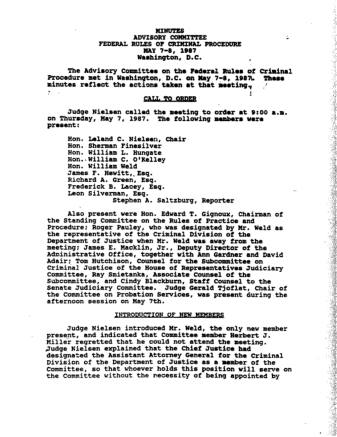
US Courts Form CR05 1987 MIN
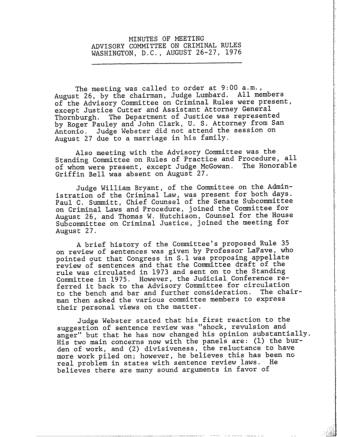
US Courts Form CR08 1976 MIN
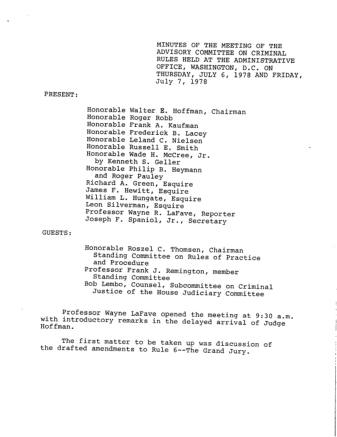
US Courts Form CR07 1978 MIN
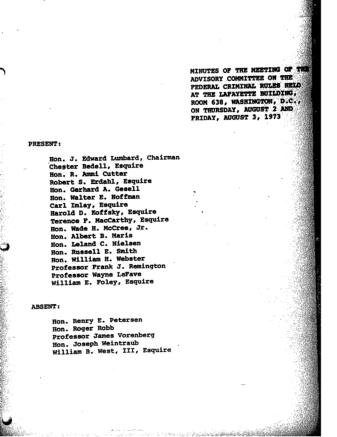
US Courts Form CR08 1973 MIN
US Courts Form CR08 1975 MIN
US Courts Form CR06 1999 MIN
US Courts Form CR06 1986 MIN
US Courts Form CR07 1969 MIN
US Courts Form CR06 1985 MIN
US Courts Form CR09 1967 MIN
US Courts Form CR09 1971 MIN
US Courts Form CR09 1941 MIN PART3.PDF
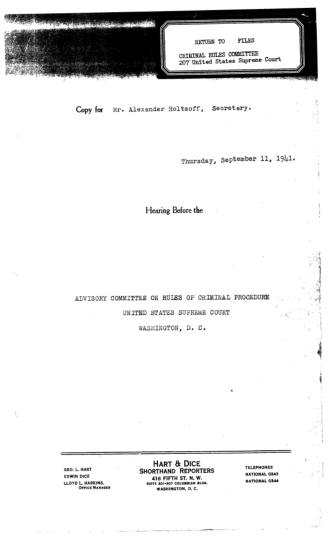
US Courts Form CR09 1941 MIN PART4.PDF
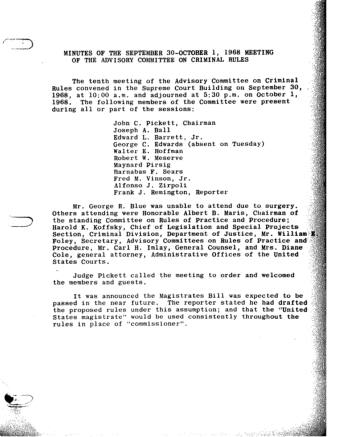
US Courts Form CR09 1968 MIN
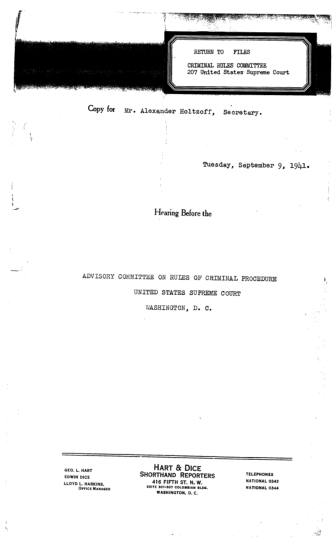
US Courts Form CR09 1941 MIN PART2.PDF
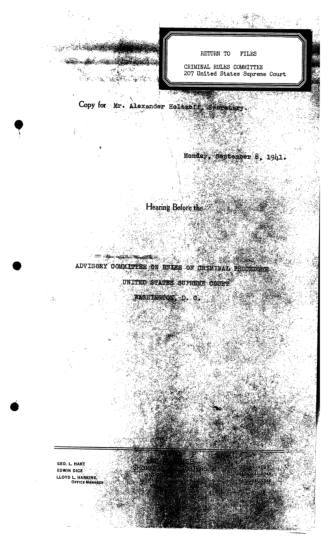
US Courts Form CR09 1941 MIN PART1.PDF
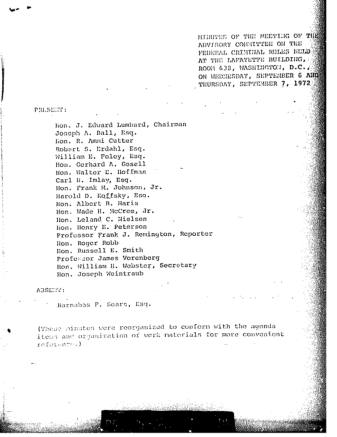
US Courts Form CR09 1972 MIN
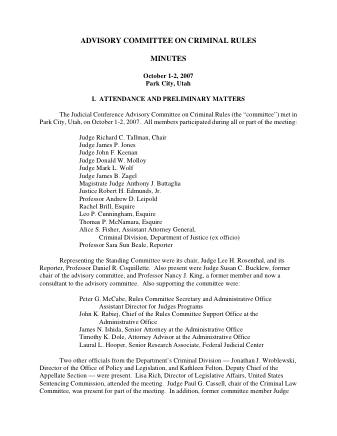
US Courts Form CR10 2007 MIN
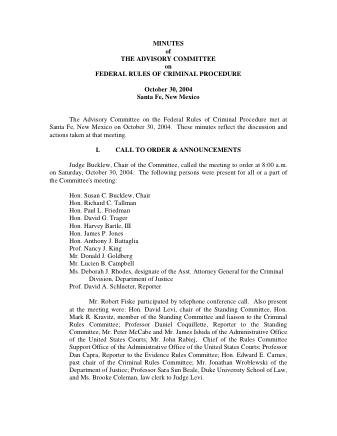
US Courts Form CR10 2004
Most popular


Edit PDF
Add text, signatures, shapes
Compress PDF
Reduce PDF file size
Convert PDF
To Word, Excel, JPG and more
Merge PDF
Combine multiple PDFs into one
Merge PDF
Combine multiple PDFs into one

Split PDF
Split a PDF into separate files
Compress PDF
Reduce PDF file size
Edit PDF
Add text, signatures, shapes
Convert PDF
To Word, Excel, JPG and more

Sign PDF
Add your signature anywhere

Rotate PDF
Rotate pages in any direction

Delete Pages
Remove pages from PDF

Extract Pages
Pull specific pages out

Organize PDF
Reorder pages by drag

Compare PDF
Side-by-side diff

Overlay PDF
Stack one PDF onto another

Optimize PDF
Clean up unused data

Number Pages
Add page numbers

OCR PDF
Make scanned text searchable

Protect PDF
Add a password

Remove Password
Strip password protection

Watermark PDF
Add text or image watermark

Redact PDF
Black out sensitive info

Comment PDF
Add sticky notes & highlights

PDF Forms
Fill and flatten forms

Extract Images
Pull all images out

PDF → Word
Editable .docx export

PDF → Excel
Tables as .xlsx

PDF → JPG
Each page as a JPG

PDF → PNG
Each page as a PNG

PDF → WebP
Each page as a WebP

Images → PDF
Pack images into a PDF

Word → PDF
Convert .docx to PDF

Excel → PDF
Convert .xlsx to PDF

PowerPoint → PDF
Convert .pptx to PDF

JPG → PDF
Turn JPG images into a PDF

PNG → PDF
Turn PNG images into a PDF

HTML → PDF
Capture a webpage

Website → PDF
Capture a webpage
No tools match your search. Try a different word.
Forms library
PDF forms from the IRS, USCIS and other US agencies
Every form in the library is fetched from the website of a US federal agency: the IRS, USCIS, the Social Security Administration, the State Department, the US Courts, the Consumer Financial Protection Bureau or the Department of Labor. A copy is stored here, so opening a form does not depend on the agency's site.
Search matches the form title as it appears on the card, within the category you have open, and results come 24 to a page.
Three steps
How to fill a PDF form online
-
Find the form
Browse a category or use the search above the forms. Pressing Escape in the search box clears it.
-
Open it in the editor
Click Edit on the form card. The form opens in the editor in a new tab, already loaded, with nothing to upload.
-
Fill, sign and download
Complete the form, then download the finished PDF from the editor's File menu. Your answers are written onto the pages as text, so they look the same in any PDF reader.
How it works
Where the forms come from and how they open
Forms are added to the library from the agency's own web address, over an encrypted HTTPS connection. Each download is checked to be a real PDF, then stored here together with a small picture of its first page for the card.
Edit hands the stored form to the editor by its address, so the editor loads it by itself and there is no file to save and upload again. What you type goes into a new copy on your device, and the library form stays blank for the next person.
Download saves the blank form under a short file name made from its title. Preview opens the same stored file in a new tab, in your browser's own PDF viewer, so you can check it is the right form before filling it in.
In the editor
Fillable PDF forms and flat ones
-
Type into form fields
When a form has fillable text fields, the editor finds them as it opens, so you can type straight into each box. Fields split into character boxes get one box per character.
-
Tick the checkboxes
Checkboxes are picked up too. Click one to tick it and click again to clear it.
-
Write on flat forms
A scanned or flat form has no fields to click. The editor does not create a fillable PDF out of it; you add a text box wherever an answer goes and type there.
-
The signature line
Put your signature or initials on the signature line before you download.
Have a PDF form of your own?
Open it in Edit PDF and fill it in the same way: fields, checkboxes and signatures work just as they do here.
PDF forms questions

Still stuck? Contact us
Each one is a copy taken from the agency's site when it was added to the library, and it is not fetched again afterwards. If the revision matters, compare the date printed on the form with the version on the agency's site.
Yes. Download on the form card saves the blank PDF to your device, ready to print and fill in by hand, or to fill in on screen later.
It picks up text fields and checkboxes. Radio buttons and drop-down lists are not picked up, so mark those answers with a text box instead, for example an X on the right option. Fields the form's author locked as read-only are left alone.
Every page opens in the editor, and fields are picked up on all of them when the form loads. You can fill a long form in one sitting and download it once.
No. The library gives you the PDF to fill, print or save. Send it back the way the agency's instructions ask, whether by post, upload or email.
No. The library only takes forms from federal agency websites, so state, county and city forms are not in it. For one of those, download it from the issuing office and open it in Edit PDF.
Yes. The page address keeps the category, the search words and the page number, so a filtered list can be bookmarked or shared. The browser's Back button also returns you to the list you had before.
Search checks titles only, and only in the category that is open. Switch to All Forms and search again. If it still doesn't appear, it isn't in the library yet, and you can ask for it with the Contact us link next to these questions.