


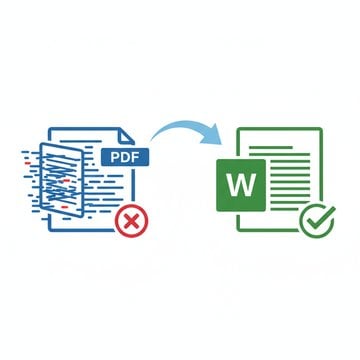
Every day, millions of people upload sensitive documents - contracts, medical records, tax forms - to free online PDF tools. Most have no idea what happens next. The question of whether online PDF tools are safe is not a minor technical detail. It has real consequences for your privacy, your clients, and in some cases your legal compliance. Understanding the PDF privacy risks behind these tools is the first step to making smarter choices about where your files actually go.
Content Table
Key Takeaways:
- Most online PDF tools upload your file to a remote server, where it may be stored, scanned, or retained for hours.
- Sensitive documents like contracts, medical records, and tax returns face real exposure risks when processed server-side.
- LooPDF runs most tools in your browser, so the file never leaves your device; the few that need a server say so and never save the file.
- Choosing a browser-based, no-upload tool is the most effective way to protect document privacy without sacrificing convenience.
What Actually Happens When You Upload a PDF to an Online Tool
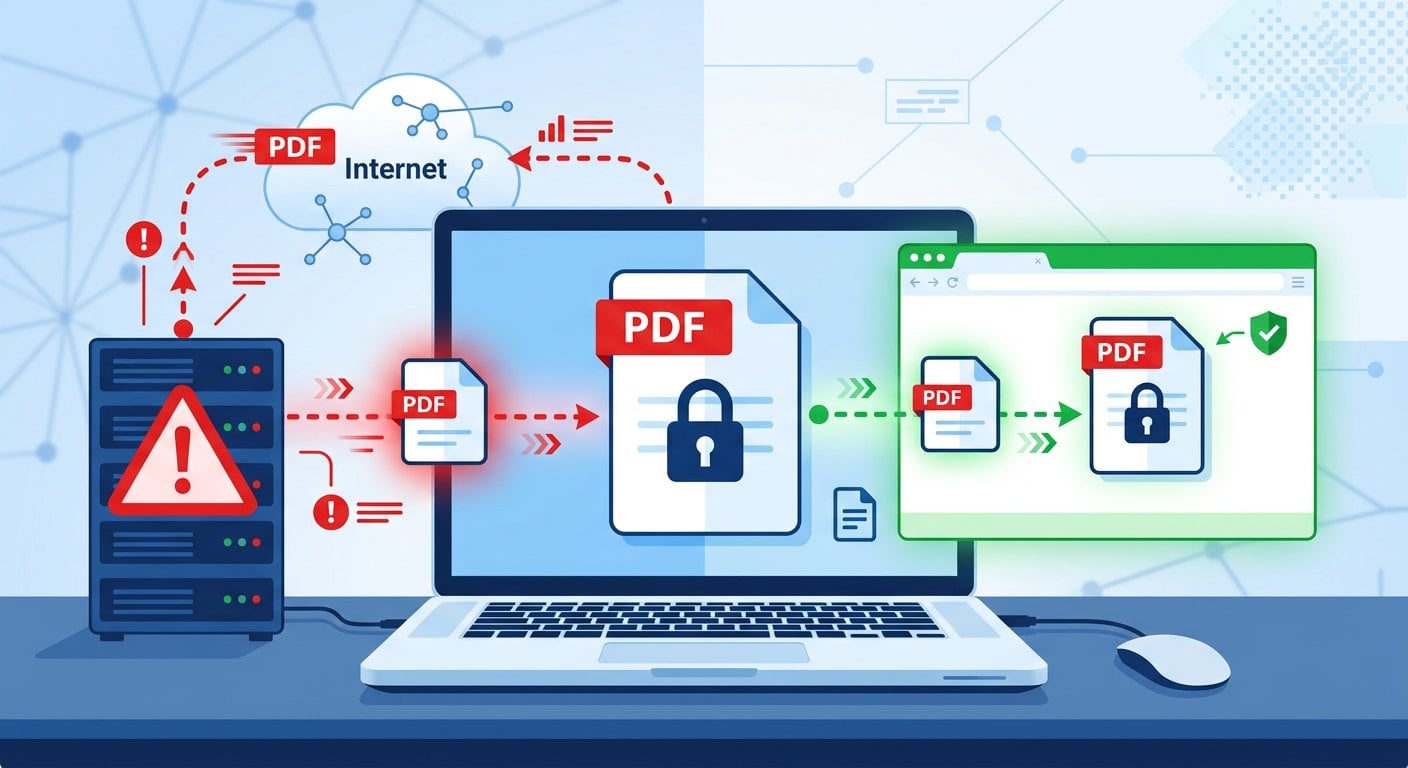
Understanding what happens when you upload a PDF online is genuinely unsettling once you trace the full journey. When you click "Upload" on a typical online PDF tool, your file does not stay on your device. It travels across the internet to a third-party server, often located in a different country from yours. That server processes the file, and in many cases stores a copy of it - sometimes briefly, sometimes longer than you would expect.
Smallpdf, one of the most popular tools in this category, retains uploaded files for one hour. iLovePDF keeps them for two hours. These are the published figures. What most users never read is the fine print about what can happen to files during that window, who has access to the server infrastructure, and how subprocessors (third-party cloud providers) handle the data. PDF tool data retention policies vary widely, and very few users ever check them.
Here is a simplified breakdown of the typical server-upload model:
- You select a file on your device and click upload.
- The file is transmitted over the internet to the tool's remote server.
- The server processes the file (compressing, merging, converting, etc.).
- The processed file is temporarily stored on that server.
- You download the result, but the original and processed copies remain on the server until deletion.
Some tools go further. With the rise of AI-assisted features in 2025 and 2026, several platforms now use uploaded documents to improve their machine learning models - sometimes without explicit user consent. Do online PDF tools store your files? In most cases, yes, at least temporarily. In some cases, longer than that.
The Real Privacy Risks of Online PDF Tools
The online PDF editor security risks are not hypothetical. They fall into several distinct categories, each with real-world consequences.
Man-in-the-Middle Attacks During Upload
HTTPS encrypts your file on its way to the server, and that protection holds on public Wi-Fi too. An upload is exposed in transit mainly in two cases: you click through a browser certificate warning, or the device you are using is already compromised. If your browser warns that a site's certificate is not valid, stop and do not upload.
Server Breaches and the PDF Data Breach Risk
Any server that stores files is a potential breach target. A PDF data breach risk becomes concrete when you consider that popular tools process millions of documents per day. A single security incident at one of these companies could expose thousands of user files simultaneously. This has already happened in adjacent industries with cloud storage providers.
GDPR and Compliance Violations
If you are based in the EU, or if you work with EU citizen data, uploading documents to a non-compliant server may constitute a GDPR violation. Sending personal data to a provider outside the EU needs a safeguard such as the EU-US Data Privacy Framework or Standard Contractual Clauses, and many free tools don't say which one they rely on. This is a real legal exposure for businesses, not just a theoretical concern. Finding a GDPR-compliant PDF editor matters for any organization handling European personal data.
AI Training on Uploaded Documents
An emerging risk in 2026 is the use of uploaded files to train AI models. Some tools include buried clauses in their terms of service that grant broad rights to use uploaded content for product improvement. If your document contains proprietary business plans, client data, or personal information, this is a significant concern.
For a deeper look at document-level security practices, see our guide on PDF security and privacy in 2026.
Which Types of Documents Are Most at Risk?
The question of whether it is safe to upload confidential documents online depends partly on what those documents contain. Some file types carry far more risk than others.
Legal Contracts and NDAs
Uploading a signed NDA or a commercial contract to a third-party server creates an obvious problem: the confidentiality obligation in that document may extend to how you handle the file itself. Law firms and legal teams should treat any server-upload tool as a potential breach of client confidentiality.
Medical Records (HIPAA)
In the United States, medical records are protected under HIPAA. Using a free online tool to edit or convert a patient document without a signed Business Associate Agreement (BAA) with that tool's provider is a HIPAA violation. Finding a genuinely HIPAA-compliant PDF editor that is also free is extremely difficult - unless the tool never touches your data at all.
Financial Documents and Tax Returns
Tax returns contain Social Security numbers, income figures, and banking details. Uploading these to a server you do not control - even briefly - creates unnecessary exposure.
HR Files and Employment Contracts
Employee records, salary information, and performance reviews are sensitive under both employment law and data protection regulations. HR teams routinely use PDF tools without considering that each upload is a data transfer to an external party.
Client Proposals and Business Plans
For businesses, competitive intelligence is a real concern. A detailed proposal or a go-to-market strategy uploaded to a free tool's server is potentially accessible to anyone who gains unauthorized access to that infrastructure.
Are Online PDF Tools Safe to Use?
The honest answer is: it depends entirely on the tool. The category of "online PDF tool" covers a wide spectrum - from server-dependent platforms that store your files to browser-based tools that never touch a remote server at all.
The key distinction is where the processing happens. Server-side tools are convenient but carry inherent risks. Browser-based, client-side tools eliminate those risks by design. When evaluating PDF data protection, this architectural difference is the most important factor to understand.
For businesses evaluating tools as part of a broader workflow, our article on how small businesses can use PDF tools to save time covers the practical side of this decision.
How LooPDF Handles Your Files
Most LooPDF tools run in your browser. Merging, splitting, organizing, watermarking, protecting, redacting and comparing PDFs all happen on your own device, so the file never leaves it.
A simple analogy: think of how a calculator app works. You enter numbers, the calculation happens on your phone or computer, and the result appears - nothing is sent to an external server. LooPDF's browser tools work the same way for PDF processing. The computation happens locally, in your browser, using your device's own resources.
A few jobs need software a browser can't run: compressing, OCR, PDF to Word or Excel, and converting Word, Excel, PowerPoint, HTML or TIFF files to PDF. Those tools send the file to our server, where it is held in memory, never written to disk, and dropped as soon as the result comes back. Each of these tools says so on its page.
The comparison looks like this:
Typical competitor model:
Your Device - Internet - Their Server - Processing - Their Storage - Back to You
LooPDF browser tools:
Your device → browser → done
LooPDF server tools:
Your device → our server (memory only) → back to you → deleted
Best Practices for Using PDF Tools Safely
Whether you use LooPDF or are evaluating other options, these practices will help you reduce PDF privacy risks across your workflow.
- Read the privacy policy before uploading. Look specifically for data retention periods, subprocessors, and any language about using uploads for AI training or product improvement.
- Prefer client-side tools for sensitive documents. If a tool's documentation does not explicitly state that processing is done in the browser without server uploads, assume it uses a server.
- Avoid free tools for HIPAA or GDPR-regulated data. Unless the tool provides a BAA (for HIPAA) or a Data Processing Agreement (for GDPR), it is not appropriate for regulated data.
- Check for HTTPS and look beyond it. HTTPS protects data in transit, but it does not protect data once it reaches the server. Encryption in transit is necessary but not sufficient.
- Use tools that require no account for low-stakes tasks. Fewer accounts mean fewer breach surfaces and less personal data exposed.
If you are working with digitally signed documents, it is also worth understanding the difference between eSignatures and digital signatures - the security implications are different. Our guide on eSignatures vs digital signatures explains the distinction clearly.
Conclusion
The risks of using online PDF tools are real, specific, and largely invisible to the average user. Server-side tools create a chain of exposure - from upload to storage to potential breach - that most people never think about until something goes wrong. The good news is that the solution is straightforward. Browser-based tools take the server out of the picture. When a job does need one, choose a tool that says exactly what happens to your file and keeps nothing afterwards. Choosing the right tool is not a technical decision. It is a privacy decision, and now you have the information to make it.
Black out sensitive details before you share
Redact PDF runs in your browser, so the document never leaves your device. Black out names, account numbers or signatures before you send it.
Try Our Free Tool →
Online PDF safety questions
It depends on the tool's architecture. Server-based tools transmit your file to a remote server where it is processed and temporarily stored, creating real exposure risks for confidential work documents. Browser-based tools that process files locally on your device are significantly safer for professional use.
Server-side tools technically have access to your file during processing and any storage window. Some tools use uploaded documents to improve AI features, which may be disclosed only in terms of service. Client-side tools that process files in your browser never send the file to any server, so no external party can access the content.
Yes. LooPDF runs most tools in your browser, so the file never leaves your device. The tools that need a server, such as OCR, Compress PDF and Word to PDF, say so on their page: the file is held in memory, never saved to disk, and dropped as soon as the result is sent back. No account is needed for any tool.
The safest online PDF tools process files in your browser, so nothing is uploaded at all. When a job needs a server, as OCR or Word to PDF conversion does, pick a tool that states plainly what happens to the file and how long it is kept, and that deletes it as soon as the result is ready.
No. Every LooPDF tool works without an account, email or sign-up. Open the tool, add your file and download the result.